


A check engine light costs nothing to read. Finding out what it means is the bit workshops charge for, and on a lot of cars the answer is a loose fuel cap or a tired oxygen sensor that a $143 code reader would have named on the spot.
The real question is how much scanner you need. Every tool here plugs into the same port, but one reads the engine and nothing else, while another can command an ABS pump and code a Volkswagen. Five tools are compared below. We haven’t bench-tested them. The comparison is built on what each maker and retailer publishes, with independent reviews linked where we could find a credible one. Prices were checked in October and again in November 2026.
Which OBD2 scanner should you buy?
For most home mechanics, the iCarsoft CR Pro+ at $479 is the one to buy. It reads every system, runs dozens of service functions, does bidirectional tests and never asks for a subscription. If you only want to know why the engine light is on, the $142.99 ToolPRO will tell you. Buy the $829 ArtiDiag Pro only if you will keep paying $429 a year to update it.
| Scanner | Price | Systems | Service functions | Bidirectional | Updates |
|---|---|---|---|---|---|
| ToolPRO OBD2 and CANHandheld, 2.4in screen | $142.99 | Engine only | None listed | No | No update policy published |
| TOPDON TopScan LiteBluetooth dongle + phone app | $131.99 | All systems | 8 | Yes | 1 year free, then paid renewal |
| iCarsoft CR ProHandheld, 4in screen | $422 | All systems | 9 | No | Lifetime free |
| iCarsoft CR Pro+Handheld, 4.3in screen | $479 | All systems | 48 | Yes | Lifetime free |
| TOPDON ArtiDiag ProTablet, 7in screen | $829 | All systems | 35 | Yes | $429 a year after free period |
Prices checked October and November 2026: Supercheap Auto (ToolPRO), TOPDON Australia (TopScan, ArtiDiag Pro), JB Hi-Fi (iCarsoft). Capabilities as claimed by each maker or retailer listing. TopScan Pro and Master add 13 and 30 service functions.
Will a cheap scanner work on your car?
Almost certainly, if it was built after 2006. Under ADR 79/01, onboard diagnostics became mandatory on all new petrol light vehicles from 1 January 2006 (new models from 2005) and on all new diesels from 1 January 2007 (new models from 2006). LPG and natural gas vehicles were exempt. Older cars may use earlier protocols that generic tools can’t read.
The port sits under the dash on the driver’s side on most cars. What a scanner can change on the other end is a different story. Volkswagen Group cars with SFD protection lock many tools out of coding entirely, which is covered in the VCDS vs OBDeleven comparison. This is general information, not legal or compliance advice.

ToolPRO OBD2 and CAN: the glovebox code reader
The ToolPRO Auto Diagnostic Scanner is the simplest way to find out why the engine light is on. Supercheap Auto sells it for $142.99, and it reads and clears engine fault codes, shows live data such as O2 sensors, RPM and coolant temperature, and captures freeze frame data from the moment the fault set. It has a 2.4-inch colour screen and needs no phone.
What it won’t do is just as clear. The listing covers engine fault codes and live engine data only, with no ABS, airbag or service reset functions. If the light on the dash is a yellow ABS or SRS lamp, this tool will tell you nothing useful.
We couldn’t find an independent test of it. Commenters on OzBargain, discussing a sibling ToolPRO model, made two points worth knowing: a cheap Bluetooth dongle with a phone app does most of the same job, and ToolPRO gear is discounted often, so don’t pay full price.
Buy it for a first car, a farm ute or the glovebox of a car you’re about to sell. Walk past it if you do your own servicing, because you’ll outgrow it at the first brake job.

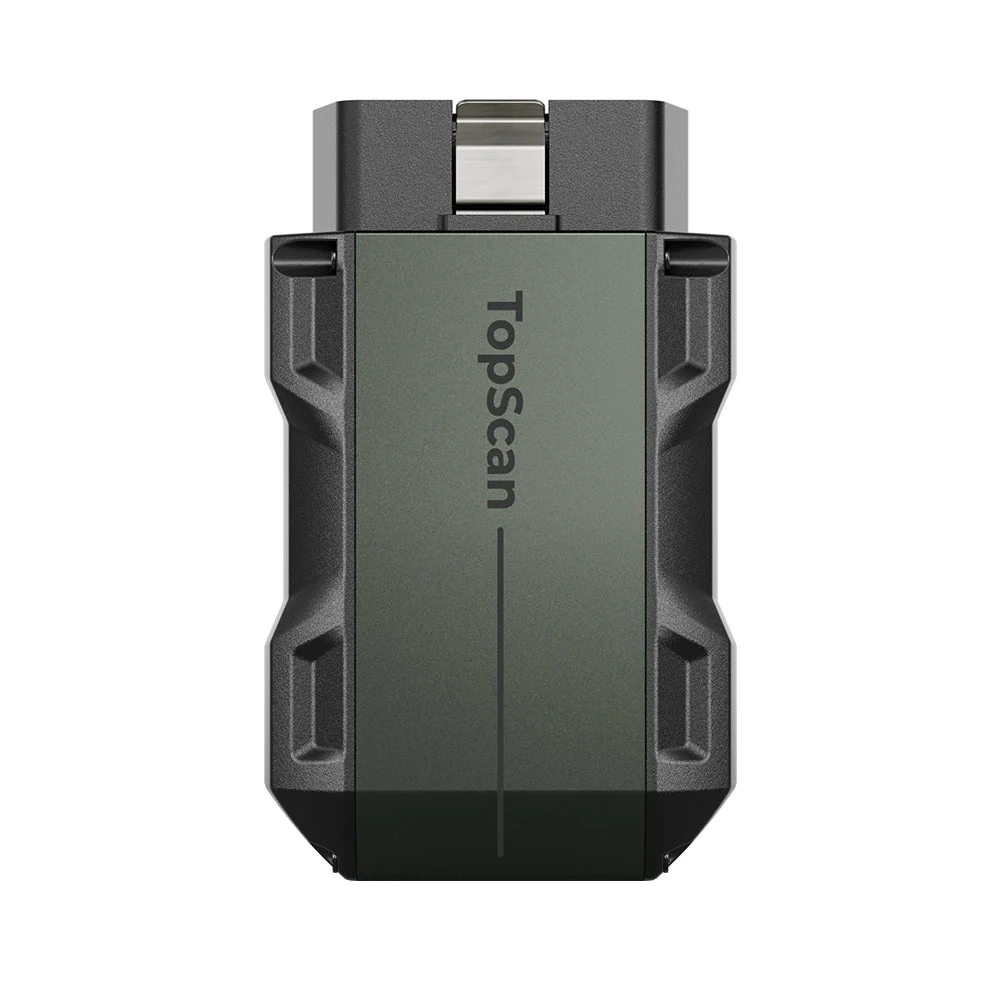
TOPDON TopScan Lite: the cheapest way into full-system scanning
The TopScan Lite is a Bluetooth dongle that turns an iPhone or Android phone into a full-system scanner. TOPDON Australia sells it for $131.99, the cheapest tool here, and claims bidirectional active tests plus eight service functions. The Pro lifts that to 13 and the Master to 30, with DoIP support on the Master only. Those two have recommended prices of about $200 and $340, and were discounted well below that at AZscanners in November.
The catch is the update model. TOPDON includes one year of free updates, then asks you to renew monthly, quarterly or annually. TOPDON says that if you skip the renewal you keep full-system code reading, engine OBD modes and I/M readiness. Independent reviewers describe it differently: iamcarhacker says only basic engine functions remain. Assume the worst case. The Australian store doesn’t publish an AUD renewal price.
The same reviewer, an auto electrician, ran window, lock and mirror tests on a 2022 Corolla with the Lite and found every module on a 2004 Fiat Punto. His complaints were the yearly subscription, limited coding and a less polished app. The Gadgeteer found setup easy but noted the dongle sticks out, so it’s not one to leave plugged in.
It suits the owner who already lives on their phone and wants more than a code reader for less than a handheld. If you hate apps, or share the car with someone who won’t install one, buy a screen instead. The OBD2 Bluetooth dongle guide covers cheaper read-only options.
iCarsoft CR Pro or CR Pro+: is the Plus worth $57 more?
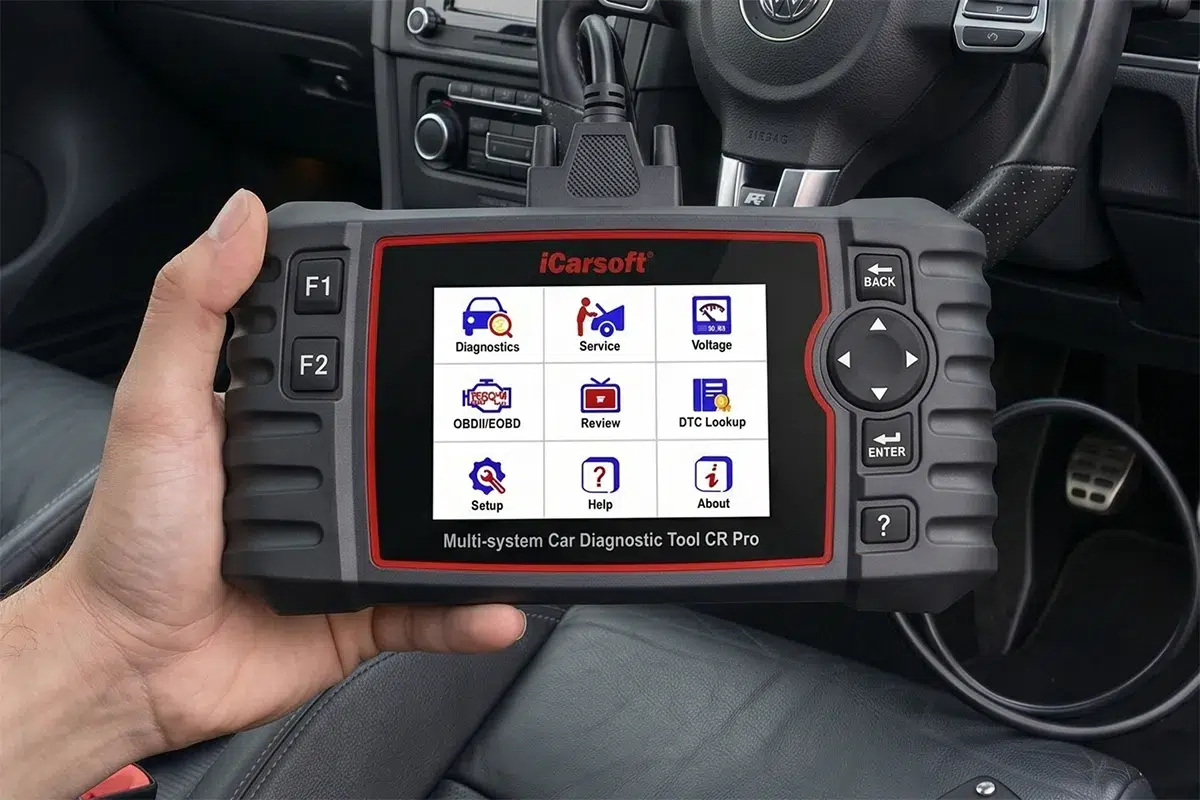
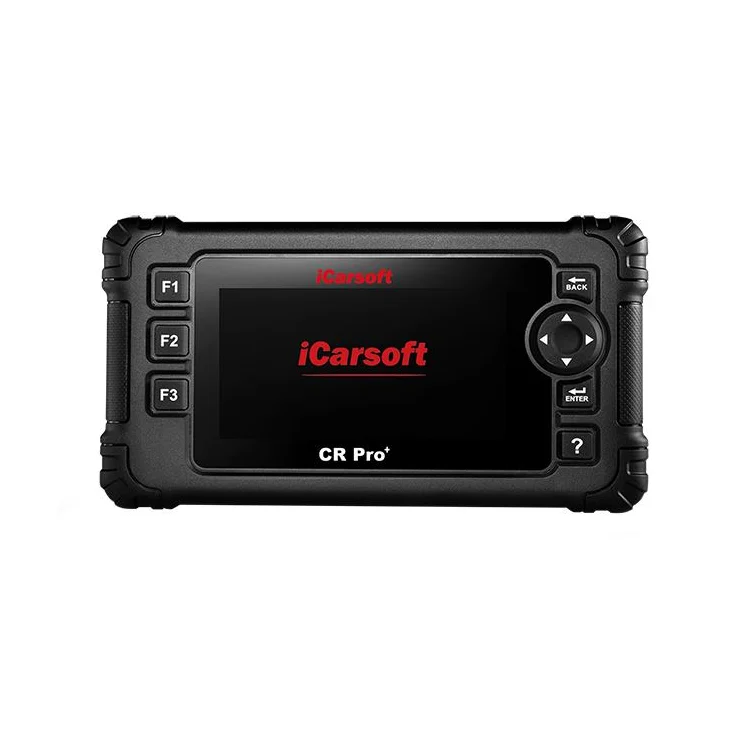
Yes. JB Hi-Fi lists the CR Pro+ at $479 against $422 for the CR Pro. Both read every system and both get lifetime free updates with no subscription. iCarsoft claims more than 58 makes for the Plus. The Plus adds bidirectional control, a much longer list of service functions and a sharper 4.3-inch, 800×480 screen.
iCarsoft splits the CR Pro+ functions into nine everyday resets and around 40 advanced ones. On a home-serviced car, those are the jobs that used to mean a workshop visit, such as service light resets and battery registration on cars that need it. Check iCarsoft’s coverage list for your exact model before you buy.

Battery registration matters more than people think. Many late-model European cars need a new battery registered to the car, and the battery replacement cost breakdown explains why skipping it costs money. If your car needs it, a scanner that can do the job pays for itself quickly.
The weaknesses are shared. Neither has Wi-Fi, so the CR Pro+ updates by TF card or USB, and both screens feel small next to a tablet on a long live-data session. The plain CR Pro also has no immobiliser or coding functions, and AZscanners notes that brand-new car models can take years to be added to iCarsoft’s coverage. Buy the plain CR Pro only on a deep sale. The Plus was down to $437 at AZscanners in November, so shop around.
TOPDON ArtiDiag Pro: a workshop tablet with a workshop bill
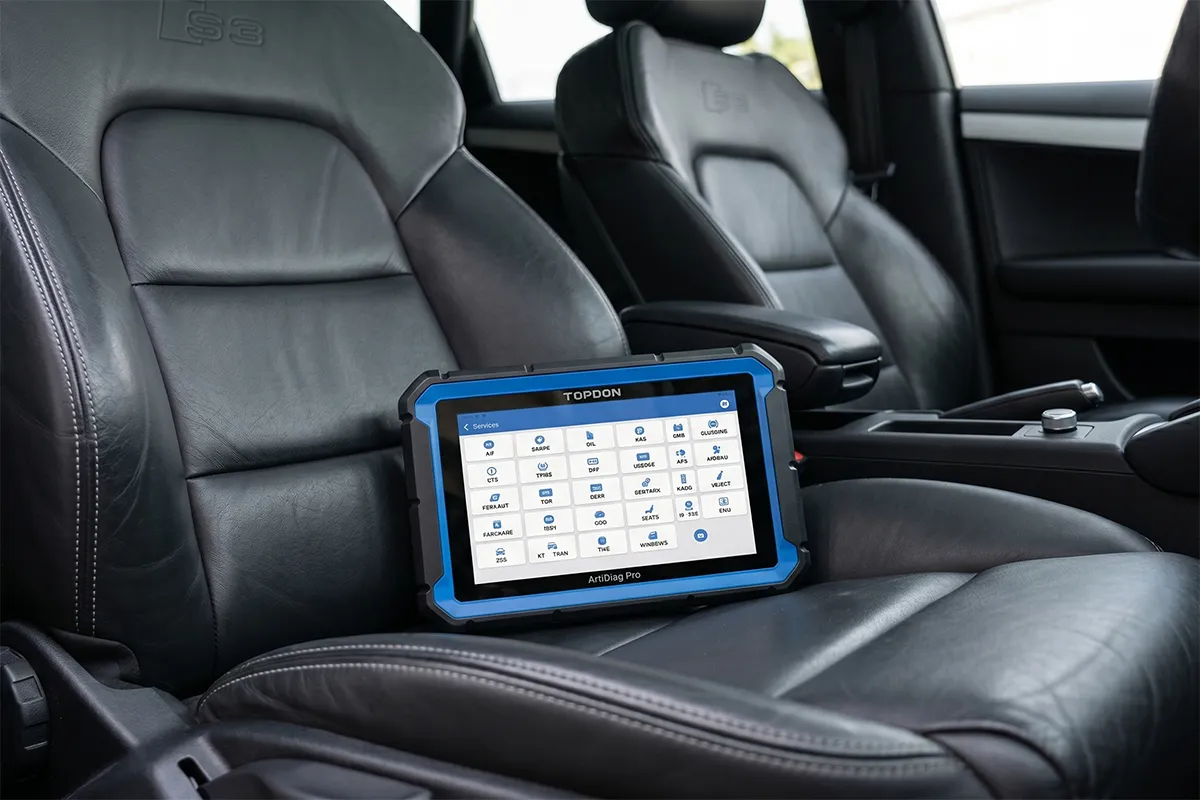
The ArtiDiag Pro is the most capable tool here: a 7-inch, 1024×600 Android tablet covering 100-plus makes, with 35 service functions, bidirectional control and ECU coding, according to TOPDON. TOPDON Australia sells it for $829. It comes with two years of free updates, then TOPDON sells a one-year software update for $429. That renewal decides whether it’s good value.
The Drive tested one and found it easy to use and rugged. It also found a low-resolution screen, slow charging, a case the size of a briefcase and a first update that took about an hour. It can’t flash ECUs.
That makes it a tool for someone who works on other people’s cars, or a household with three or four different badges in the driveway. On one car, a $479 handheld with free updates covers most home jobs for a fraction of the long-term cost.
What does each scanner cost over five years?
Keep the ArtiDiag Pro current for five years and it costs about $2,116, more than four times the CR Pro+. That’s the $829 purchase plus three $429 renewals once the free period ends. The iCarsoft tools cost what you paid on day one, and the TopScan Lite keeps its core functions even if you never renew.
Assumptions: AUD prices as at 5 October 2026. ArtiDiag Pro renewal is TOPDON Australia’s $429 one-year update, applied for years three to five after the two-year free period. TopScan Lite keeps core functions without renewal; TOPDON Australia publishes no AUD renewal price, so only the purchase is shown. Excludes any price changes or sales.
Which scanners should you avoid?
Avoid any tool that won’t tell you which systems it reads. Repco’s $69 Toledo OBD2 Scanner, for example, listed no specifications on its product page as of 5 October 2026, so there’s no way to know what it covers before the box is open. A cheap tool is fine. A mystery tool isn’t.
And never clear a code just to make a light go away before an inspection or a sale. Clearing codes resets the readiness monitors, which any decent scanner shows as incomplete.
How to use a scanner when you’re buying a used car
This is the best $130 you’ll spend on a car you don’t own yet. Any of the full-system tools above will do it. A basic engine-only reader will catch less, because it can’t see ABS, airbag or transmission faults.
Do it in this order, with the engine cold and before the test drive:
- Stored codes. Faults the car has logged and kept.
- Pending codes. Faults it has seen but not yet confirmed. These are hard for a seller to hide.
- Readiness monitors. If several show “not ready” on a car that’s supposedly driven every day, the codes were probably cleared recently. A battery disconnect does the same thing, so ask the seller before you accuse anyone.
- Freeze frame and live data. What the engine was doing when a fault set, and what the sensors are reading now.
A few things to keep in mind. Cars built before 2006, and some grey imports, may not talk to a generic tool at all. For Fords and Mazdas, the FORScan app with a suitable adapter goes deeper than most generic scanners. And a scanner can’t see rust, worn bushes or a slipping clutch, so it doesn’t replace a pre-purchase inspection.
If a seller won’t let you plug in, walk away. Our PPSR check guide covers the other $2 worth of homework.
The short version
Buy the CR Pro+, keep it in the garage drawer and forget about subscriptions. Buy the ArtiDiag Pro only if you’ve already budgeted for the renewal and have more than one car to look after.


